
The short version
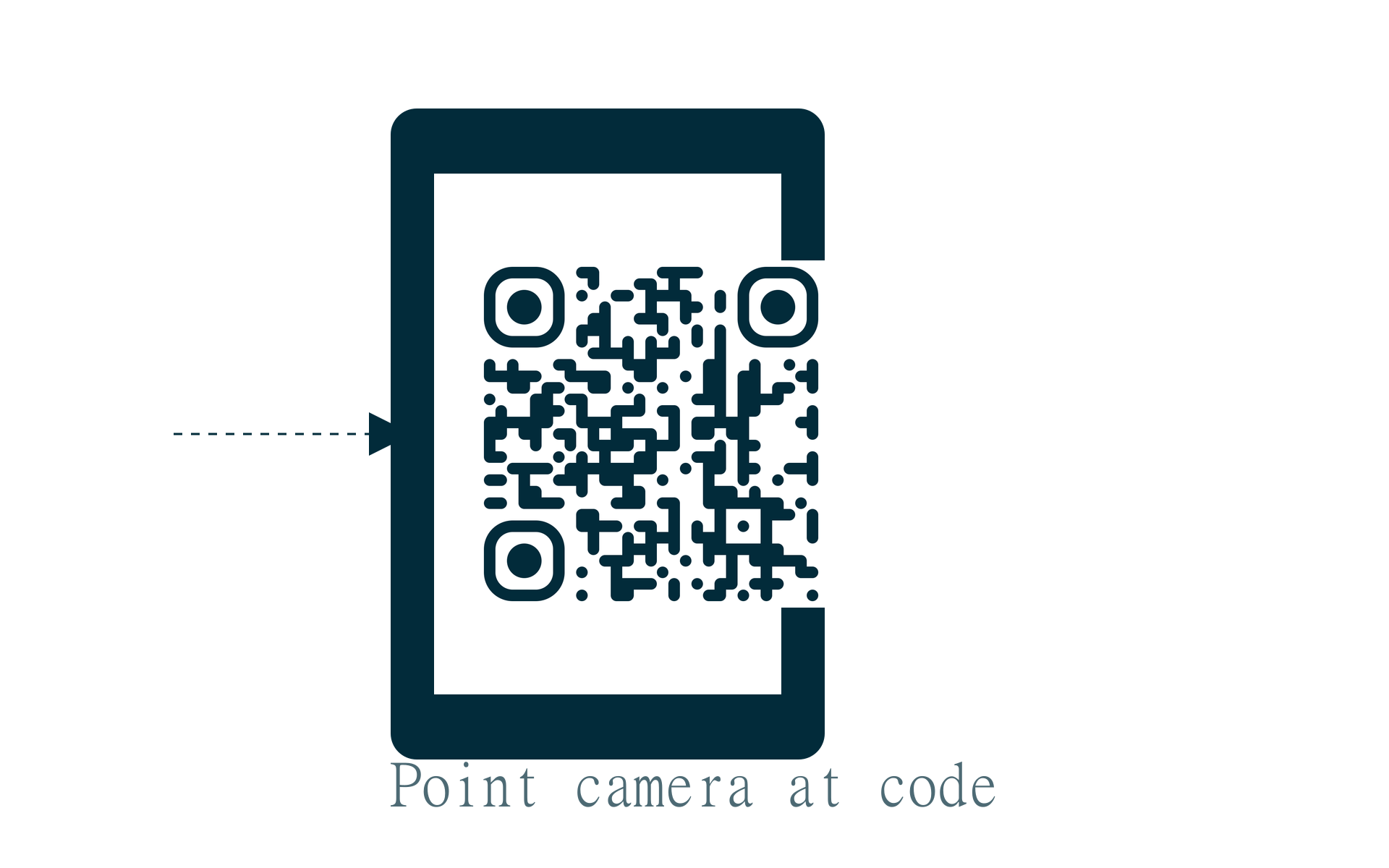
A QR code is a two-dimensional barcode. It stores information like a website URL, WiFi credentials, contact details, or plain text. Point your phone camera at it. Your phone decodes the pattern and takes action. It might open a link, connect to a network, or save a contact.
QR code data types
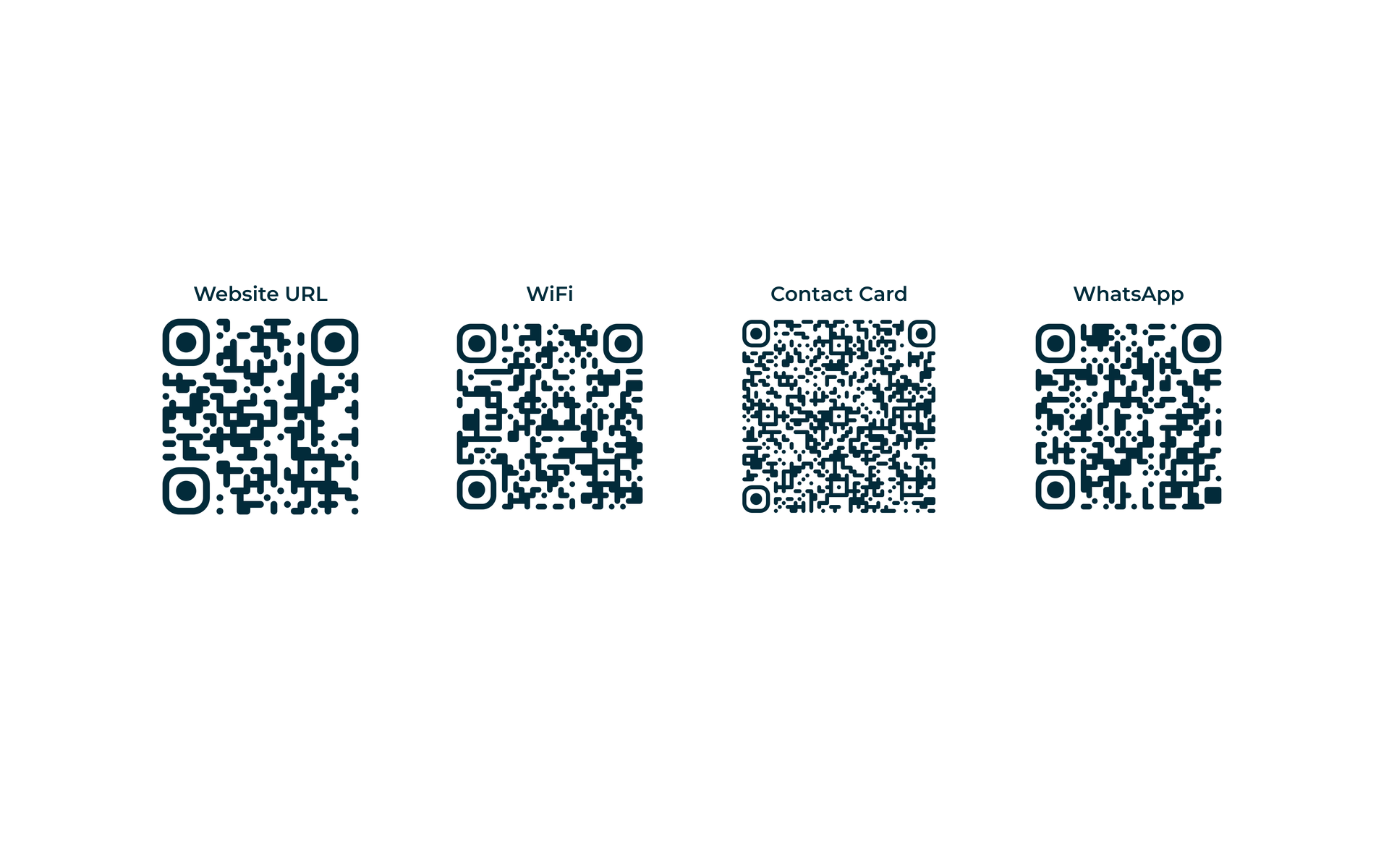
One QR format fits many types of data. The pattern looks similar. What happens after the scan depends on what you encoded.
| Type | Encodes | Example use |
|---|---|---|
| Website URL | https:// link | Menus, product pages, social profiles |
| WiFi | Network name + password | Guest WiFi at cafes and offices |
| Contact card (vCard) | Name, phone, email | Business cards and networking |
| Address + subject + body | Pre-drafted support or sales emails | |
| SMS | Phone number + message | Text promos and appointment reminders |
| Phone | Phone number | One-tap call from a poster or flyer |
| Chat link with message | Customer support and bookings | |
| Plain text | Any text string | Promo codes, instructions, serial numbers |
Website URL
WiFi
Contact Card
A bit of history
Denso Wave, a Toyota subsidiary, invented QR codes in 1994. They tracked car parts during manufacturing. Traditional barcodes hold about 20 characters. QR codes can store thousands. That is enough for a full URL, a WiFi password, or a business card.
They stayed mostly industrial until smartphones got good cameras. Around 2017 to 2020, phone makers built QR scanning into the camera app. During the pandemic, QR codes took off for restaurant menus, vaccine records, and contactless payments. They stuck around because they are genuinely handy.
How scanning works
The black and white squares are not random. QR codes have three large corner squares. They help the camera figure out orientation. The smaller modules encode your data in a standard format. Any compliant reader can understand it.
Error correction is built in. Up to 30% of the code can be damaged or covered by a logo. It still scans. That is why you can put a small brand mark in the center without breaking it.
| Level | Data recovery | Best for |
|---|---|---|
| L (Low) | ~7% | Clean prints, maximum data capacity |
| M (Medium) | ~15% | General use, menus and flyers |
| Q (Quartile) | ~25% | Outdoor signage, slight wear |
| H (High) | ~30% | Logo overlay, stickers, imperfect surfaces |
Where people use QR codes today
- Restaurants: link to a digital menu you can update without reprinting
- Retail: add product info, reviews, or checkout links on packaging
- Events: share tickets, schedules, or guest WiFi with one scan
- Business cards: let someone save your full contact to their phone
- Marketing: put trackable campaign links on posters and flyers
- Personal: share home WiFi, payment links, or social profiles
Ready to make one?
Our free QR code generator handles URLs, WiFi, contacts, WhatsApp, and more. Customize colors, add a logo, and download PNG or SVG. No account needed.
What is a QR code?
What is a qr code? It is a square barcode phones can read to open links, join WiFi, or save contacts. QR stands for Quick Response.
This guide covers how they work, common types, and when static codes are enough.