
The 10:1 rule
Here is a reliable rule of thumb. The scanning distance should be no more than 10 times the width of your QR code. A 2 cm code scans comfortably from about 20 cm away. A 5 cm code works from half a meter. Design for how far away someone will actually stand.
| Scan distance | Minimum QR width |
|---|---|
| 15 to 30 cm (business card) | 2 cm (0.8 in) |
| 30 to 50 cm (flyer) | 3 cm (1.2 in) |
| 50 to 100 cm (menu board) | 5 cm (2 in) |
| 1 to 3 m (poster / billboard) | 10+ cm (4+ in) |
| Arm's length (screen) | 200 to 512 px |
Recommended sizes by use case
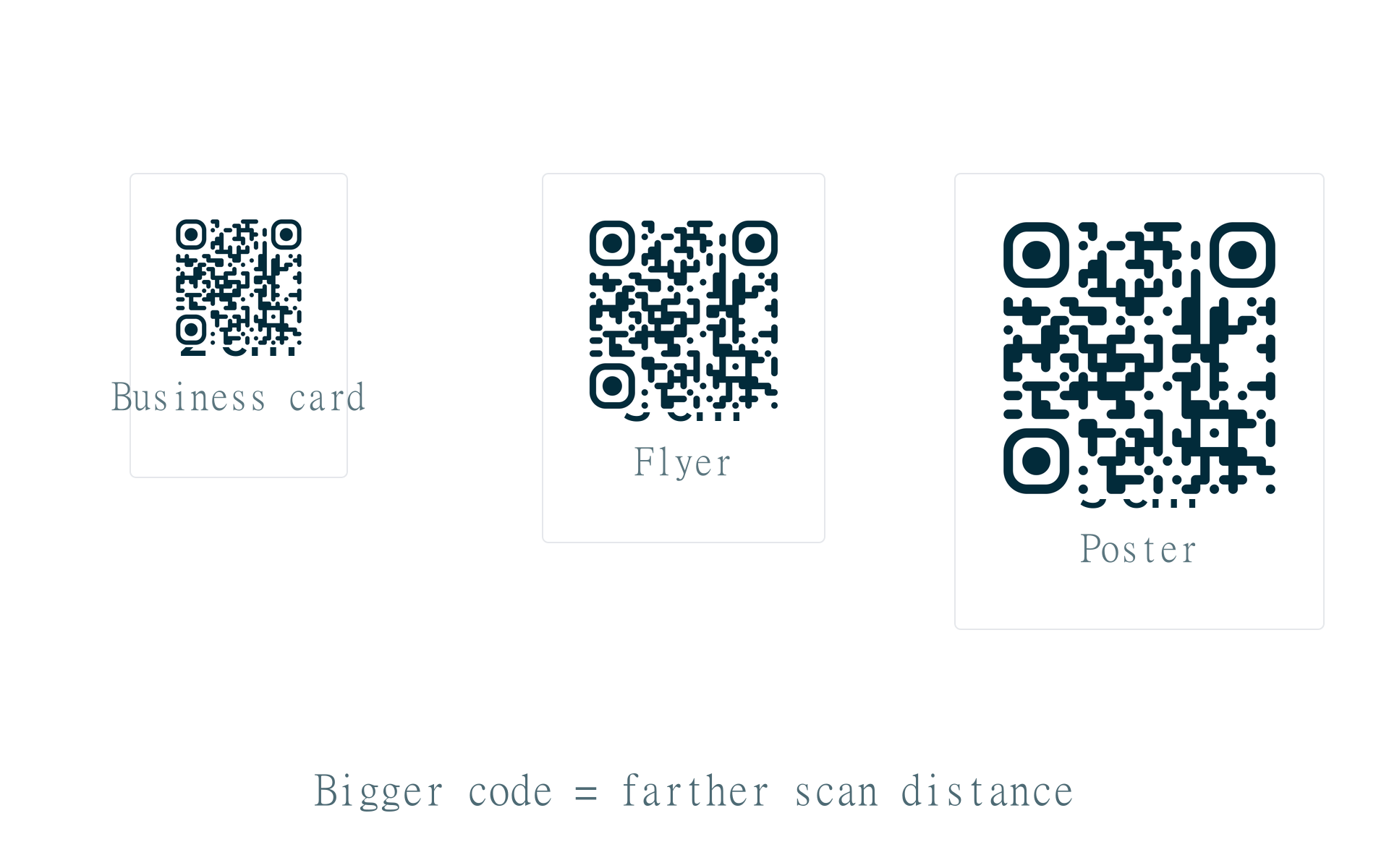
| Use case | QR size | Scan distance |
|---|---|---|
| Business card | 2 x 2 cm (0.8 in) | 15 to 30 cm |
| Flyer / poster (close) | 3 x 3 cm (1.2 in) | 30 to 50 cm |
| Store window / menu | 5 x 5 cm (2 in) | 50 to 100 cm |
| Billboard / large format | 10+ cm (4+ in) | 1 to 3 m |
| Screen / email / web | 200 to 512 px | Arm's length |
Download resolution
For screen use, 256 to 512 px is plenty. For print, export at 1024 px or 2048 px (PNG) or use SVG for infinite scalability. At 300 DPI, 1024 px gives you roughly 8.7 cm of print width. That covers most flyers and packaging.
| Export size | Print size at 300 DPI | Best for |
|---|---|---|
| 256 px | ~2.2 cm | Email signatures, small web embeds |
| 512 px | ~4.3 cm | Websites, social media posts |
| 1024 px | ~8.7 cm | Flyers, menus, packaging |
| 2048 px | ~17.3 cm | Posters, banners, large print |
| SVG | Infinite scale | Professional print, vinyl, billboards |
Quiet zone margin
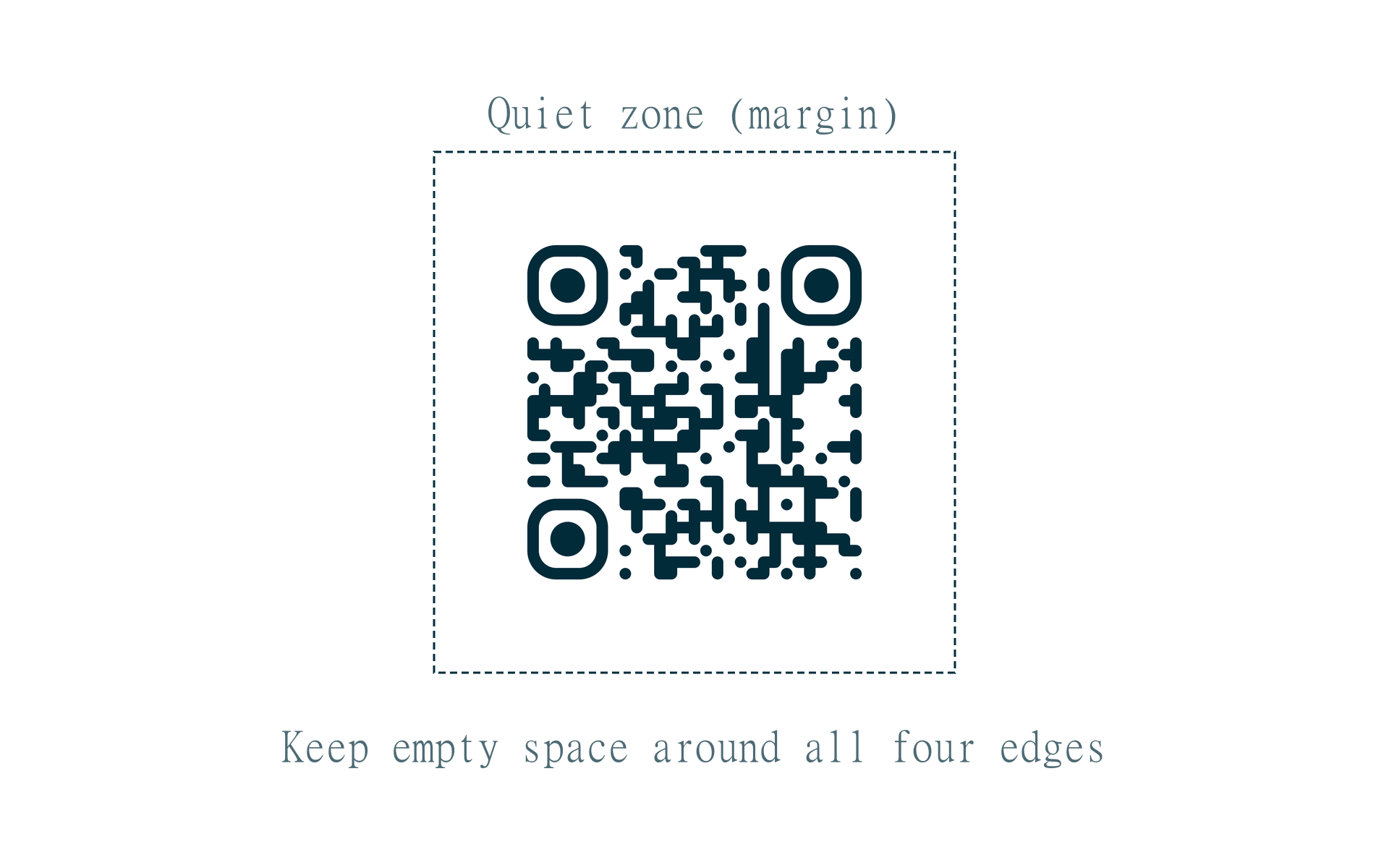
QR codes need empty space around all four edges. This is called the quiet zone. ISO standards recommend at least 4 modules of white space. Without it, scanners confuse the border with data and fail. Our generator includes margin controls in the Advanced tab. The default is safe for most uses.
Common mistakes
- Printing too small on business cards (use at least 2 cm)
- Stretching a low-res PNG on a large poster (use SVG instead)
- Putting the code on a curved surface without testing from the expected angle
- Low contrast colors like light gray on white that cameras cannot read
- Cropping the quiet zone when you place the code in a layout
QR code size guide for reliable scans
This qr code size guide lists minimum widths for cards, menus, and posters. Bigger codes scan from farther away.
Pair size with contrast and a quiet margin for best results.